
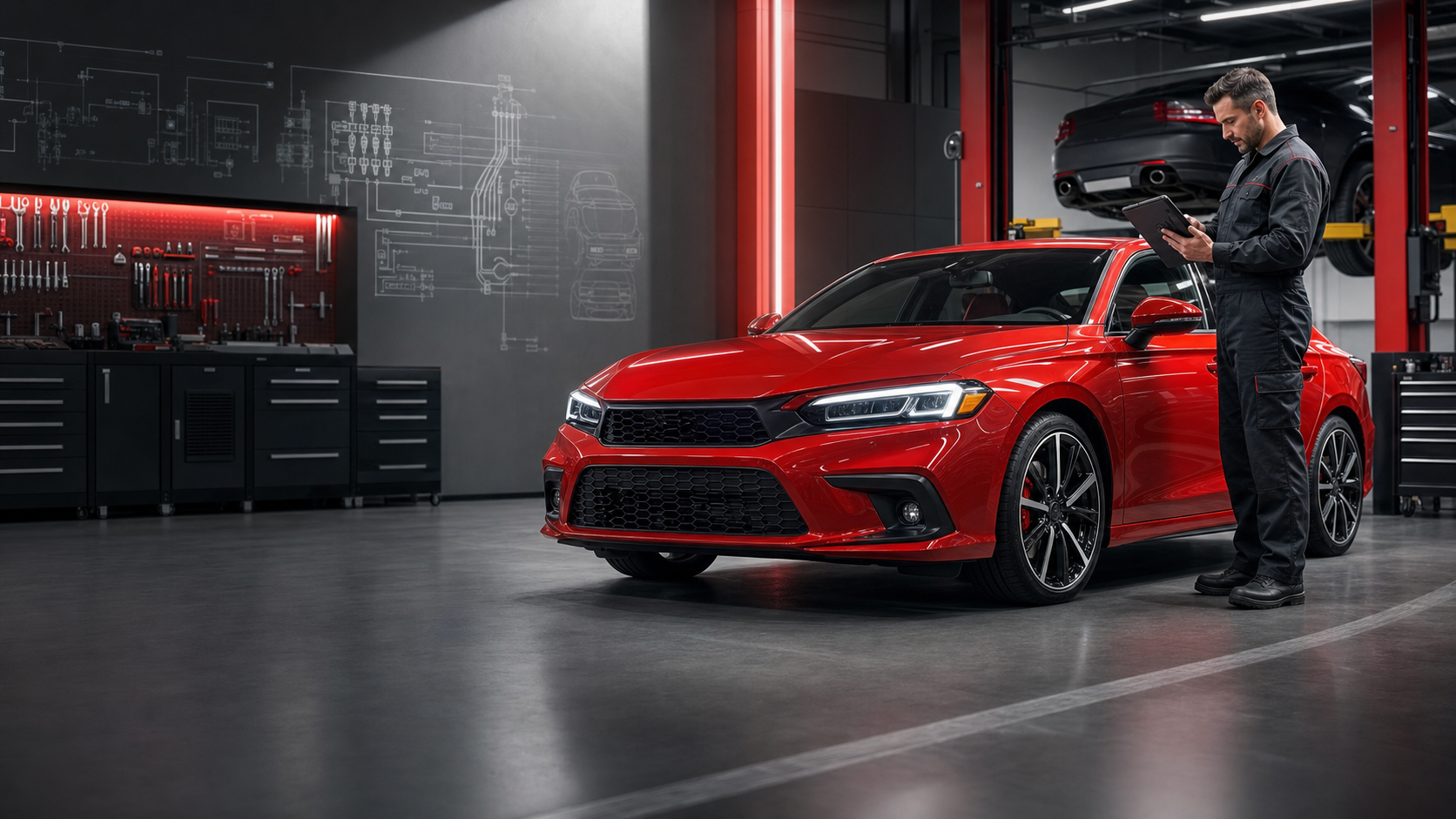
Vehicle sections
Material is organised by vehicle system and type: repair, maintenance, recommendations.
Important. Some former partners use the Online Data name for third-party products that are not connected with our service. Our official websites are www.online-data.site and online-data.org (for Germany, Austria and Switzerland).Third-party products using the Online Data name are not connected with our service.
Learn morePRO DATA
Pro Data is an additional technical base inside Online Data: repair documents, diagrams, service recommendations and labour times for the selected vehicle.
When you need another source of documentation for the same vehicle, there is no separate service to open. Pro Data works inside your Online Data account: choose the year, make, model and engine, open a vehicle section and the type of material you need. Documents, diagrams and labour times open right in the workspace.
Material is organised by vehicle system and type: repair, maintenance, recommendations.
Look up a term or code across all documents of the selected vehicle at once.
Recent documents are kept in your account and reopen with one click.
VIDEO
A short Pro Data overview: opening wiring diagrams and repair instructions. Narrated in Russian.
More videos on the Online Data Media channel01
Choose the model year, make, model and engine variant. BMW, MINI and Rolls-Royce vehicles can be found by VIN.
Then open a vehicle section and the type of material — repair documents, maintenance schedules, service recommendations. If you know a term or code, search the vehicle materials directly.
02
Diagrams open full screen: zoom in, fit to width, or pinch on a phone. Links inside a document lead to related sections.
A document can be printed or opened on its own. Where the material is in another language, the Translation / Original switch shows the translation or the source text for comparison.
03
For variants where they are available, Pro Data lists labour times by operation with the estimated time in hours — useful to compare with the main base when estimating a job.
Like any labour time, it is a reference value: the final time depends on the vehicle condition and is agreed with the customer after diagnosis.
Frequently asked questions
It is a separate set of documents, diagrams and labour times. When you need another source for a vehicle, or the main base lacks a document, look in Pro Data without leaving your account.
For BMW, MINI and Rolls-Royce, yes. For other makes the vehicle is chosen by year, make, model and engine.
Use the Translation / Original switch. Some text may stay in the original; check it against the source document.
Yes. Documents and diagrams adapt to the screen, and diagrams zoom with gestures.
ONLINE DATA
Open Pro Data repair documents, diagrams and labour times in the same account as the rest of Online Data.
Available materials depend on the vehicle make, model, version and year.Available payment methods are shown during checkout. If no suitable method is available in your country, contact support.
